

Latest Version
ellie
Security
Linux
Free
best.ellie.StartupConfiguration
Report a Problem
More About Startup Configuration
Managing system boot times and background processes is essential for keeping your Linux desktop running efficiently. Startup Configuration autostart management provides a streamlined, user-friendly way to oversee exactly what launches when you log into your system. Built specifically for the Linux platform by developer ellie, this utility simplifies what has traditionally been a manual file-editing chore in the terminal.
Take Control of Your Boot Sequence
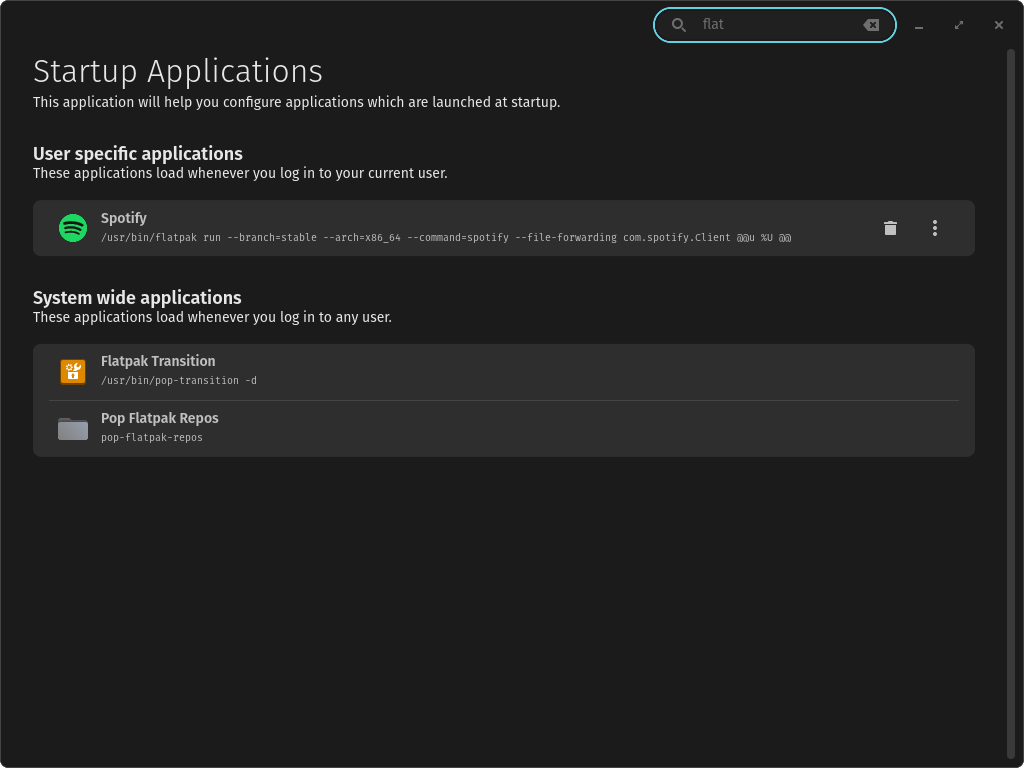
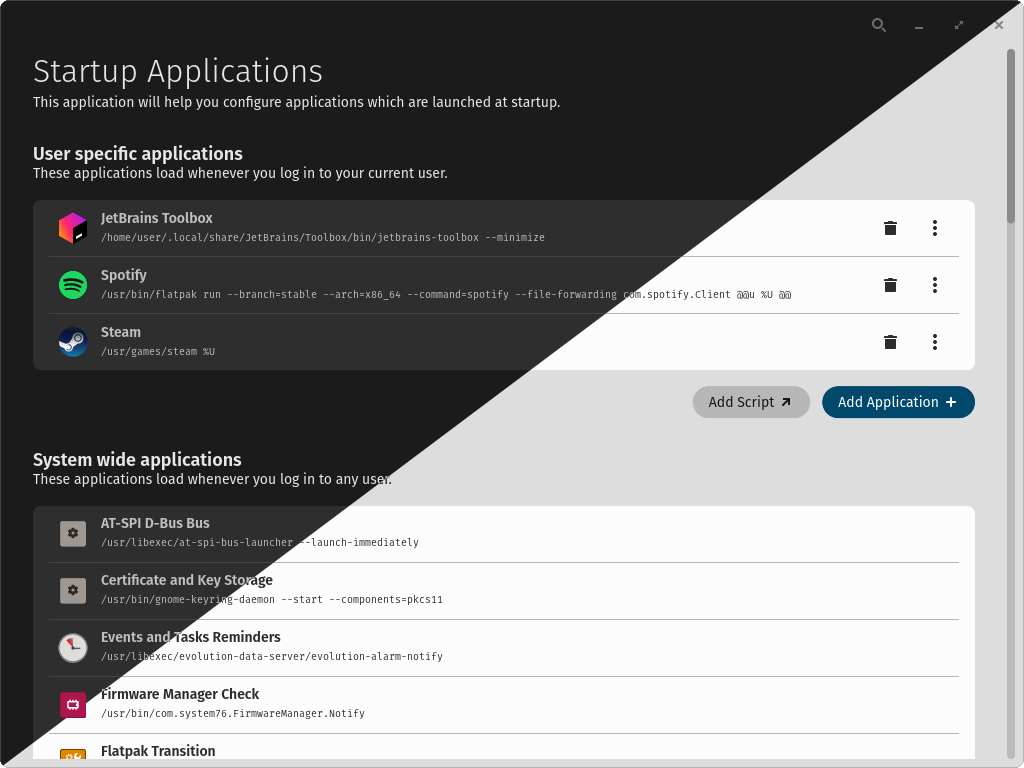
Every time you turn on your computer, numerous background services and applications vie for system resources. Over time, accumulated autostart entries can slow down your system desktop load times. With the Startup Configuration autostart management tool, you gain a clear, visual overview of every Freedesktop-compatible startup script and application configured on your machine.
Key Capabilities and Practical Uses
- Visual Entry Overview: Instantly view all applications configured to launch at system startup without digging through hidden system directories.
- Effortless Entry Management: Modify existing startup behaviors or safely remove redundant applications that are draining your system resources.
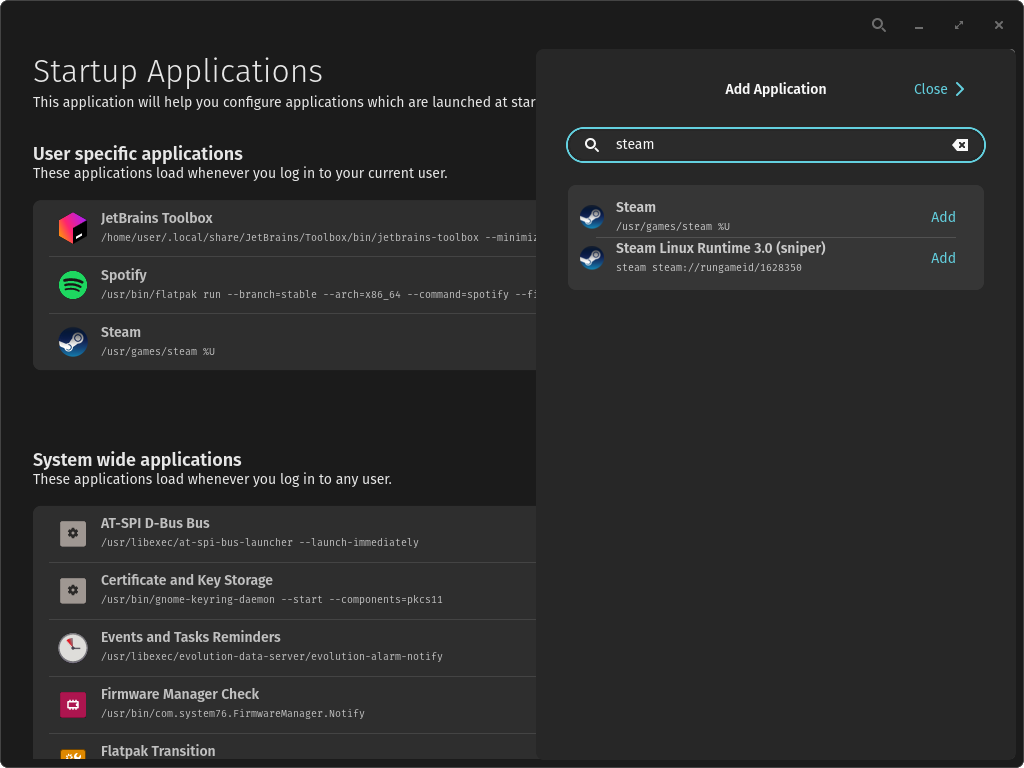
- Add Custom Scripts: Easily register new Freedesktop-compliant autostart entries, allowing you to launch custom scripts or specialized tools automatically.
- Declutter Your Autostart Directory: Trivialise the process of cleaning up obsolete or broken launch configurations that accumulate over time.
Who Is This Tool For?
If you prefer a clean, organized workspace and want to optimize your Linux system's initialization phase, this application is highly beneficial. It is particularly useful for users who want to avoid manual command-line configuration of desktop files. Whether you are troubleshooting system lag or simply setting up a tailored productivity environment, this utility makes startup optimization accessible to everyone.
Streamline Your Linux Desktop Today
By offering a dedicated, secure interface to manage boot-time applications, Startup Configuration removes the guesswork from maintaining your autostart folder. It is an excellent utility for keeping your system lean, responsive, and tailored to your specific workflow needs. To explore this tool further and integrate it into your system maintenance routine, head over to the official Flathub store page to get started.
Rate the App
User Reviews



Popular Apps










Editor's Choice